
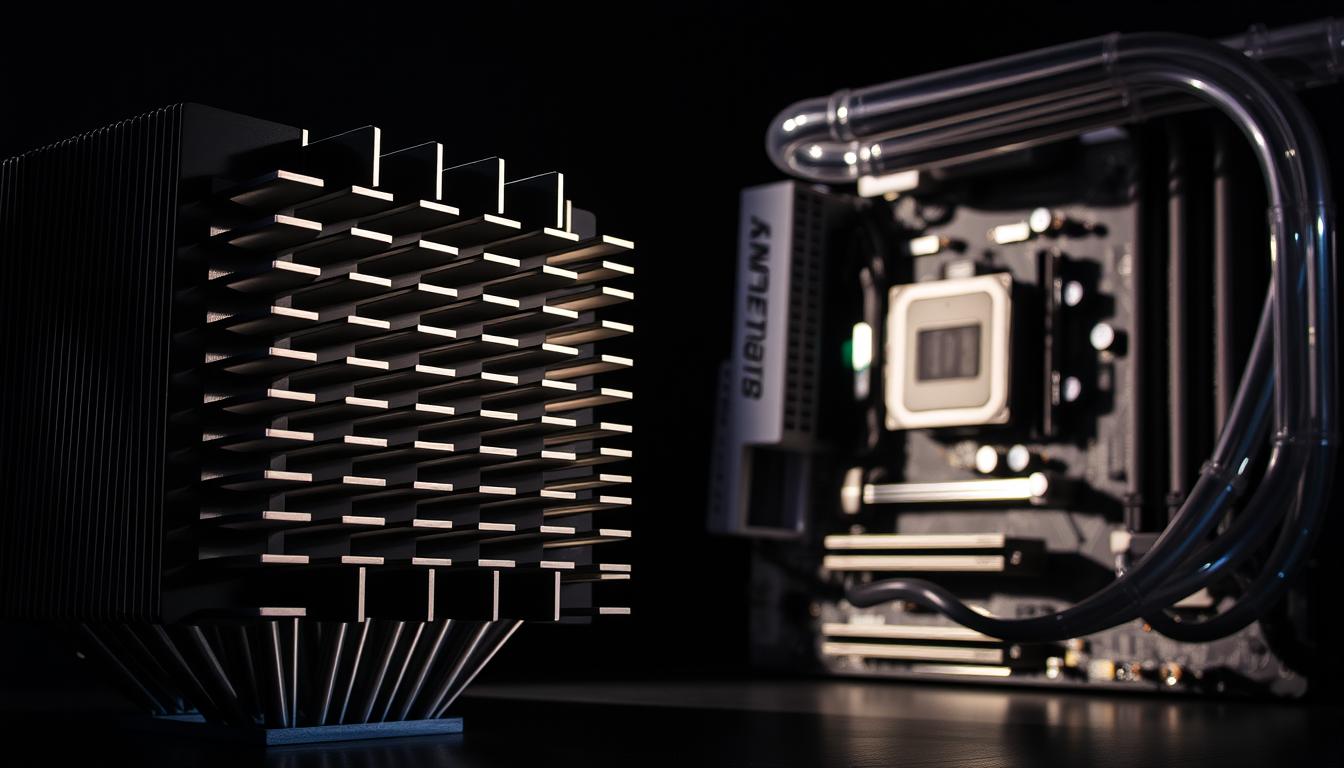
Choosing the right CPU cooling system is crucial for maintaining optimal performance and extending the lifespan of your computer. Whether you’re a gamer, a content creator, or a casual user, understanding the differences between heat sinks and water cooling systems can help you make an informed decision. This guide compares the pros and cons of both cooling solutions, helping you choose the best option for your setup.
Understanding CPU Cooling Basics
CPU cooling systems are essential for preventing overheating, which can lead to system crashes, reduced performance, and hardware damage. The two most common cooling solutions are heat sinks and water cooling systems.
Heat Sinks
- How They Work: Heat sinks use metal fins to absorb and dissipate heat from the CPU into the surrounding air.
- Key Features: Affordable, easy to install, and low maintenance.
- Best For: Users looking for a cost-effective and straightforward cooling solution.
Water Cooling Systems
- How They Work: Water cooling systems use a liquid coolant to absorb heat from the CPU. The heated liquid is then circulated through a radiator, where it cools down before returning to the CPU.
- Key Features: Superior cooling performance, quieter operation, and better for overclocking.
- Best For: Enthusiasts and gamers who need high-performance cooling for overclocked CPUs or high-end systems.
Here are some key points to consider when choosing between heat sink vs water cooling:
- Heat sinks are generally easier to install and maintain.
- Water cooling systems offer better cooling performance and are often quieter.
- Thermal management is critical for both methods, as it directly affects system performance and lifespan.
Are Heat Sinks Better Than Water Cooling for Performance?
When it comes to overclocking, the right PC cooling solutions matter a lot. Both heat sinks and water cooling have their own benefits. But, what’s best for you depends on your specific needs.
Heat Sinks
- Pros:
- Affordable and widely available.
- Easy to install and maintain.
- Reliable for standard computing tasks.
- Cons:
- Limited cooling capacity for overclocked CPUs.
- Can be noisy under heavy loads.
Water Cooling Systems
- Pros:
- Excellent cooling performance, ideal for overclocking.
- Quieter operation compared to heat sinks.
- Aesthetic appeal with customizable RGB lighting.
- Cons:
- More expensive and complex to install.
- Requires regular maintenance to prevent leaks and pump failures.
Which is Better for Performance?
- Heat Sinks: Best for users with standard computing needs or budget constraints.
- Water Cooling: Ideal for gamers, overclockers, and users with high-performance systems.
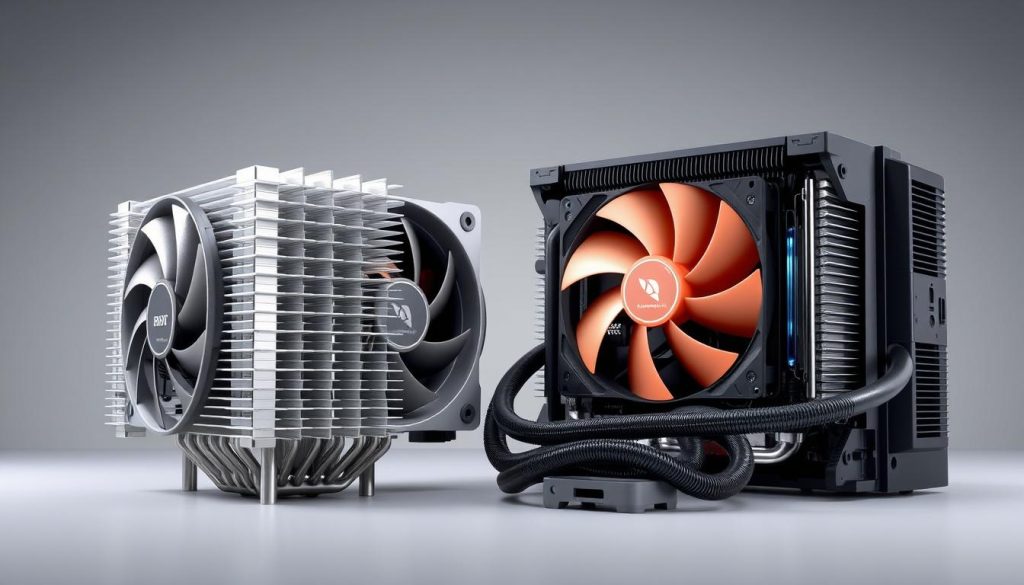
Cost Comparison Between Cooling Solutions
When looking at computer cooling systems, cost is key. There are many options, and it’s important to think about price, performance, and durability. Cost-effective cooling is a big deal for many, and heat sinks are a cheap choice. They start at under $20 for the basic ones.
Water cooling systems, on the other hand, cost more. Starter kits start at about $50, and custom setups can cost hundreds. But, they cool better, making them a good choice for those needing top-notch cooling.
- Initial purchase price: Heat sinks are cheaper than water cooling systems.
- Long-term durability: Water cooling systems last longer and need less upkeep than heat sinks.
- Performance: Water cooling systems cool better than heat sinks.
In the end, whether to choose heat sinks or water cooling depends on your needs and budget. By looking at cost-effective options, you can pick the best cooling system for your computer.
Installation and Maintenance Requirements
The ease of installation and maintenance is another critical factor to consider.
Heat Sinks
- Installation: Simple and straightforward, requiring minimal technical expertise.
- Maintenance: Occasional dust cleaning is all that’s needed.
Water Cooling Systems
- Installation: More complex, requiring careful setup of the radiator, pump, and tubing.
- Maintenance: Regular checks for coolant levels, pump functionality, and potential leaks.
Which is Easier to Manage?
- Heat Sinks: Ideal for users who prefer a hassle-free setup.
- Water Cooling: Better suited for tech-savvy users willing to invest time in maintenance.
In the end, the choice between heat sinks and water cooling systems depends on your personal needs and preferences. By looking at the ease of installation and maintenance requirements of each, you can pick what fits your lifestyle and skill level.
Noise Levels and Acoustic Performance
Choosing a cooling solution means thinking about noise levels. We’ll look at the noise levels of different coolers and what affects their sound.
Heat Sinks:
- Noise Levels: Can be noisy under heavy loads due to fan operation.
- Acoustic Performance: Louder compared to water cooling systems.
Water Cooling Systems:
- Noise Levels: Generally quieter, with most noise coming from the radiator fan.
- Acoustic Performance: Quieter operation, ideal for noise-sensitive environments.
Which is Quieter?
- Heat Sinks: Louder but acceptable for most users.
- Water Cooling: Quieter and better for those who prioritize a silent workspace.
Knowing these factors helps users pick a cooler that reduces noise. This makes for a more comfortable and productive workspace.
Space Requirements and Case Compatibility
When picking a cooling solution, think about space and case fit. The size of your computer case and available space can influence your choice of cooling system.
Heat Sinks
- Space Requirements: Compact and compatible with most cases.
- Compatibility Issues: May interfere with tall RAM modules or other components.
Water Cooling Systems
- Space Requirements: Requires additional space for the radiator, pump, and tubing.
- Compatibility Issues: May not fit in smaller cases or require custom modifications.
Which is More Space-Efficient?
- Heat Sinks: Better for compact builds.
- Water Cooling: Requires more space but offers better cooling performance.
By thinking about these points and picking a cooling system that fits well, you’ll have a great build.
Conclusion: Making the Right Choice for Your Setup
Choosing between heat sinks and water cooling systems for your computer’s CPU cooling depends on your needs. If you want top performance and don’t mind complexity, a water cooling system is great. But, if you prefer something simple and affordable, a good heat sink might be better.
The best choice for you depends on several things. These include how much performance you need, how much space you have, how much noise you can handle, and how easy maintenance is for you. By thinking about these factors, you can pick the CPU cooling solution that keeps your computer running well, no matter what you’re doing.
FAQ
What are the key differences between heat sinks and water cooling systems?
A heat sink uses metal fins to dissipate heat, while a water cooling system uses liquid coolant to absorb and transfer heat away from the CPU.
Which is better for overclocking: heat sinks or water cooling?
Water cooling systems are better for overclocking due to their superior cooling performance.
Which cooling solution is easier to install and maintain?
Heat sinks are easy to put in and don’t need much tech know-how. Water cooling systems are more complicated to set up and need regular care, like checking coolant levels and cleaning the radiator.
How do the noise levels compare between heat sinks and water cooling systems?
Heat sinks can be loud, thanks to the fans, when they’re working hard. Water cooling systems are often quieter, but the pump can make noise too.


