

A CPU heat sink is key to keeping your PC running well. It helps get rid of the heat the central processing unit makes. This is important to stop overheating and damage, keeping your computer running smoothly.
In computer hardware, a CPU heat sink is very important. It helps control the temperature, which affects how well your PC works. Knowing about cpu cooling can help improve your computer’s performance and make it last longer.
What Is a CPU Heat Sink and How Does It Work
A CPU heat sink is key to keeping a computer’s CPU cool. It helps move heat transfer from the CPU to air or liquid. This stops the CPU from overheating and keeps it running well.
Good design and materials are important for a heat sink. A well-made heat sink can cool efficiently. But a bad one can cause the CPU to get too hot and slow down the system.
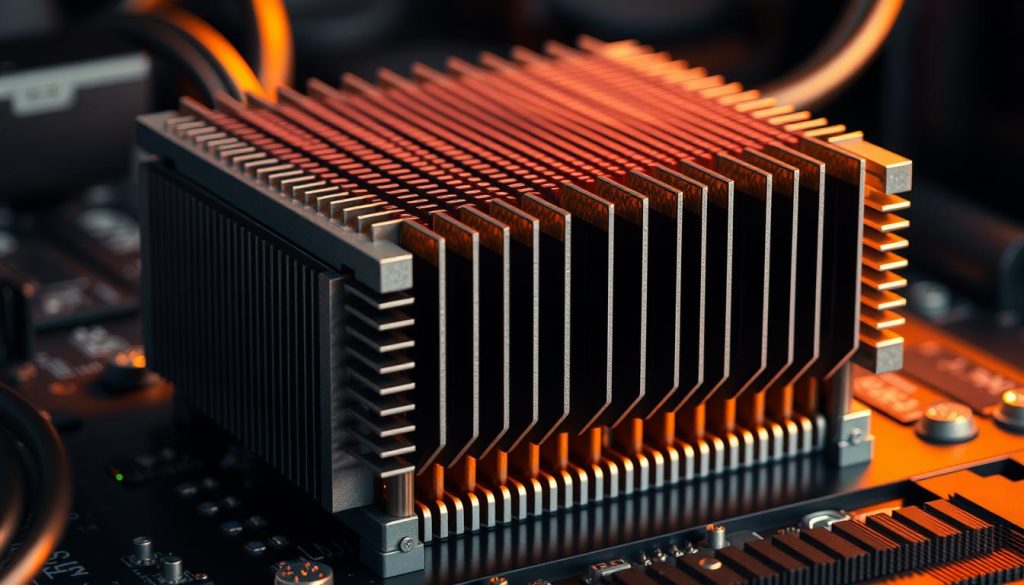
Knowing how heat transfer works is important. Heat moves through conduction, convection, and radiation. By improving the heat sink’s design, manufacturers can make systems run better and last longer.
Types of CPU Heat Sinks Available Today
There are many heat sink types for cpu cooling systems. Each has its own benefits and features. The main goal is to keep the CPU cool, ensuring it works well and lasts longer.
You can find air-cooled, liquid-cooled, and hybrid heat sinks in the market. Air-cooled ones use fins and heat pipes to cool. Liquid-cooled ones use a liquid to take heat away from the CPU and cool it down.
Hybrid heat sinks mix the best of both worlds. They offer better performance and flexibility. Popular types include tower, down-draft, and all-in-one liquid coolers. When picking a heat sink, think about compatibility, noise, and cost.
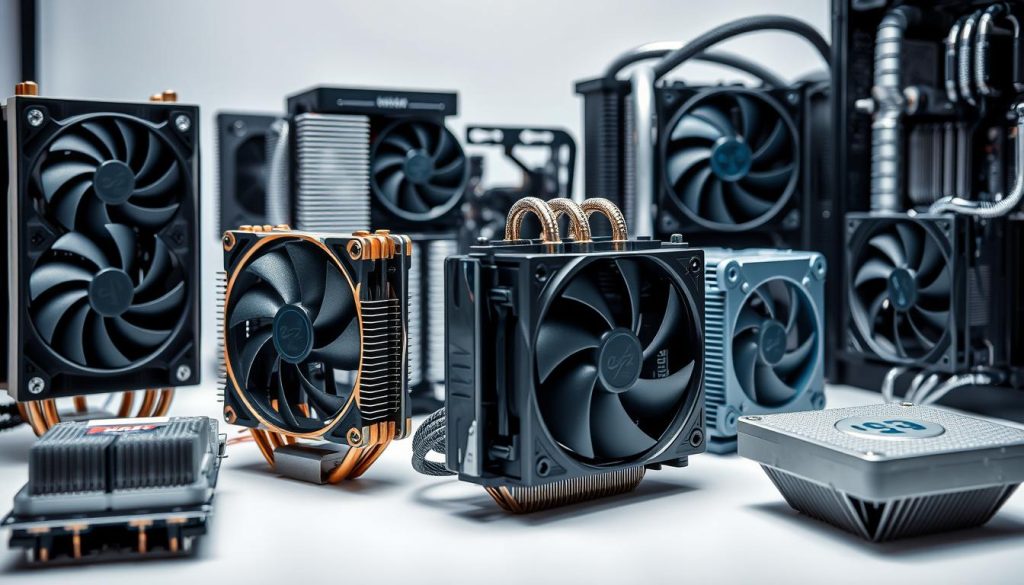
Knowing about different heat sinks helps you choose the right one for your PC. The right heat sink ensures your CPU runs smoothly, keeps noise down, and makes your computer last longer.
- Air-cooled heat sinks: great for most users, balancing performance and cost
- Liquid-cooled heat sinks: best for gamers and heavy users, for top cooling
- Hybrid heat sinks: offer great performance and flexibility, good for many users
By thinking about your needs and preferences, you can pick the best heat sink. This way, you get the best cooling for your CPU.
Installing and Maintaining Your CPU Heat Sink
Installing and keeping your CPU heat sink in good shape is key. A well-set-up heat sink can make your computer run better. To get the best results, follow the right steps and use thermal paste correctly.
When you install a cpu heat sink, remember a few important things. First, clean the CPU and heat sink surfaces well. Then, put a small amount of thermal paste in the center of the CPU die. This helps the CPU and heat sink stick together well.
Key Installation Steps
- Prepare the CPU and heat sink surfaces
- Apply thermal paste to the CPU die
- Mount the heat sink to the CPU
- Secure the heat sink with screws or clips
Keeping the heat sink in good shape is also important. Check the thermal paste often for dryness or cracks. If you see any, add more. By doing these simple things, you can make your CPU last longer and keep your computer running smoothly.
Benefits of an Efficient CPU Cooling System
An efficient CPU cooling system is key for your computer’s best performance. It boosts your computer’s speed and efficiency. It also cuts down on noise and extends the life of your computer parts.
A good cooling system stops your CPU and other parts from overheating. This keeps your computer running smoothly and reliably.
Some main benefits of a good CPU cooling system are:
- Improved pc performance and speed
- Reduced noise levels from fans and other components
- Increased lifespan of components, reducing the need for costly repairs or replacements
By choosing a top-notch CPU cooling system, you get a faster, quieter, and more reliable computer. This is great for gamers, video editors, or anyone who uses their computer a lot.
Also, a good cooling system lowers the chance of overheating and damage. This is vital for those who use their computers for heavy tasks or live in hot places. Keeping your CPU cool ensures your computer works well, even when it’s under a lot of stress.
Conclusion: Maximizing Your CPU’s Lifespan Through Proper Cooling
Keeping your CPU cool is key to its long life and performance. By cooling it right, you can make your computer last longer. This means a better and more reliable computing experience for you.
Check and replace your heat sink often. Use thermal paste correctly. And keep your system clean. These steps help your CPU last longer. A good cooling system is essential for your computer’s best performance and your investment’s safety.


