
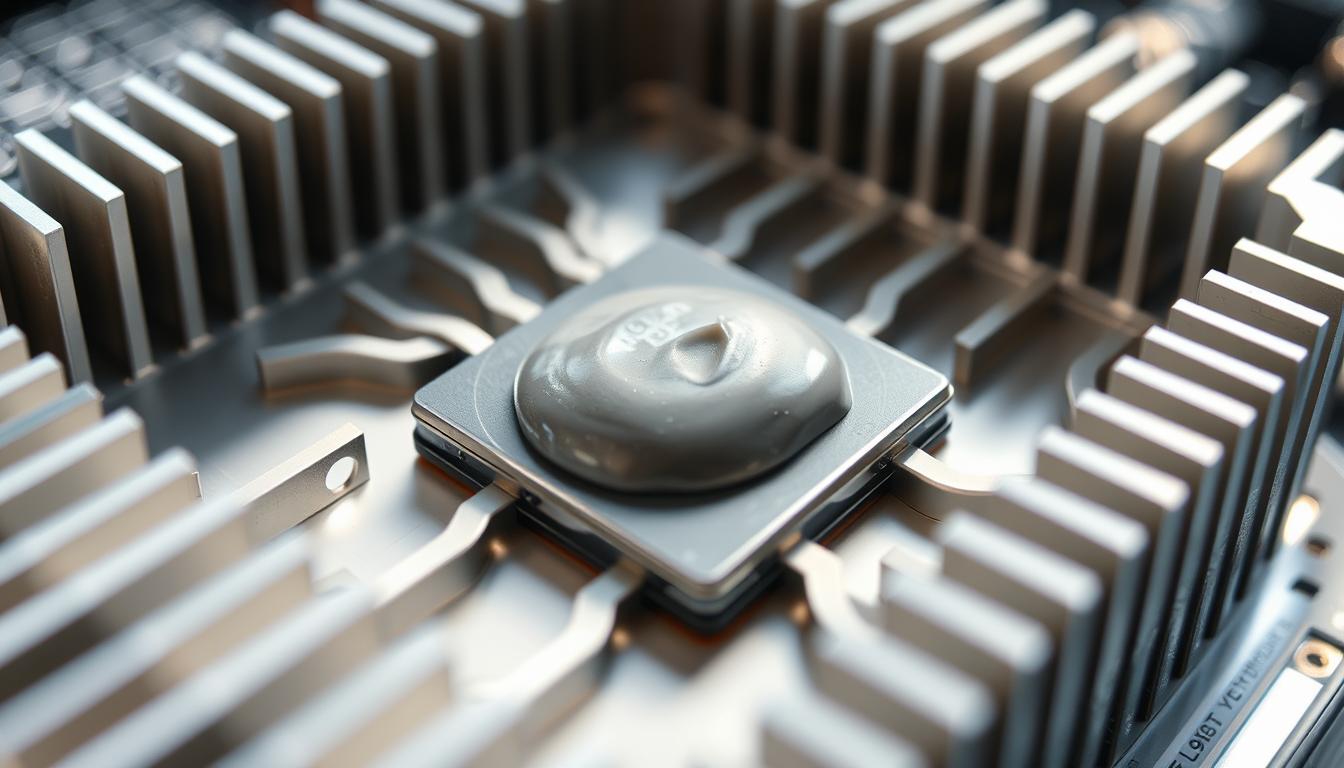
When it comes to keeping your computer running smoothly, one question often comes up: does heat sink need new compound? The answer lies in understanding the crucial role thermal paste plays in your system’s cooling process. Thermal paste acts as a bridge between your CPU and heatsink, ensuring efficient heat transfer. Over time, this paste can degrade, potentially leading to higher temperatures and reduced performance.
Heat sinks are designed to dissipate heat away from your CPU, but without a proper layer of thermal compound, their effectiveness drops. This can result in overheating, which might slow down your computer or even cause damage. But how do you know when it’s time to reapply? This guide will walk you through the signs that your system needs fresh thermal paste and provide tips on how to apply it correctly.
Whether you’re upgrading your hardware or simply maintaining your current setup, understanding the synergy between your CPU, heatsink, and thermal paste is key. By addressing this often-overlooked aspect of computer maintenance, you can ensure your system runs cooler and more efficiently for years to come.
The Importance of Thermal Paste in Heat Management
Thermal paste plays a crucial role in maintaining your computer’s cooling efficiency. It acts as a vital link between your CPU and heatsink, ensuring effective heat transfer. But how exactly does it work, and why is it so essential for your system’s performance?
Understanding Heat Transfer and Conductivity
Heat transfer in electronic components relies heavily on conduction, where heat moves through materials. High thermal conductivity materials like copper and aluminum are commonly used in heatsinks because they excel at transferring heat. However, even these materials aren’t perfect. Microscopic air gaps between the CPU and heatsink can hinder heat transfer, leading to inefficiencies.
Role of Thermal Paste in Cooling Efficiency
Thermal paste fills these tiny gaps, creating a uniform surface for heat to escape. A thin, even layer ensures optimal contact, allowing heat to move from the CPU to the heatsink more efficiently. This results in lower temperatures and better system performance. Over time, however, the paste can degrade, reducing its effectiveness and potentially causing your computer to overheat.
When applying thermal paste, it’s important to use a small amount and spread it evenly. Excess paste doesn’t improve performance and can actually be counterproductive. Proper application ensures that your system runs smoothly, preventing overheating and maintaining peak performance.
does heat sink need new compound: When and Why to Replace It
Keeping your computer running smoothly often raises questions about thermal paste replacement. Understanding when to replace the thermal compound is crucial for optimal cooling.
Recognizing the Signs of Degraded Compound
Over time, thermal paste can dry out or crack, losing its effectiveness. These changes can happen gradually, making them hard to notice. Look for visible signs like a dried-out texture or cracks on the surface of the paste.
A spike in CPU temperatures is another indicator. If your computer is overheating or performing poorly, it might be time to check the thermal paste. Proper application ensures efficient heat transfer, preventing these issues.
Impacts on CPU Temperature and Performance
Degraded thermal paste can lead to increased CPU temperatures, reducing performance and potentially damaging hardware. Even a small drop in efficiency can cause overheating, especially during intense tasks like gaming or video editing.
Regular checks and maintenance are essential. Replacing the thermal paste when needed ensures your system runs cool and efficiently, protecting your hardware and maintaining performance.
Step-by-Step Guide to Reapplying Thermal Paste
Reapplying thermal paste is a straightforward process that can significantly improve your computer’s cooling performance. Follow these steps to ensure a professional-grade application.
Preparing Your CPU and Heatsink
Gather your tools: isopropyl alcohol (at least 90%), lint-free cloth, Q-tips, and a high-quality thermal paste.
Safe Removal and Thorough Cleaning
Gently remove the heatsink, taking care not to bend the pins. Dampen a Q-tip with alcohol and carefully wipe the CPU die and heatsink, removing old residue. Let both surfaces dry completely before proceeding.
Correct Application Technique for Optimal Performance
Apply a small pea-sized dot of thermal paste to the CPU die. Mount the heatsink, ensuring even pressure. Let it cure for 24 hours before stress-testing your system.
| Step | Action | Details |
|---|---|---|
| 1 | Gather Materials | Alcohol, cloth, Q-tips, thermal paste |
| 2 | Remove Heatsink | Avoid bending pins |
| 3 | Clean Surfaces | Use alcohol and Q-tips |
| 4 | Apply Paste | Pea-sized dot on CPU die |
| 5 | Mount Heatsink | Even pressure, cure for 24 hours |
Additional Tips for Maintaining Optimal Cooling Performance
Keeping your computer running at its best involves more than just applying thermal paste. Regular maintenance and choosing the right products can make a big difference. Let’s dive into some practical tips to help you keep your system cool and efficient.
Regular Maintenance and Monitoring Practices
Monitoring your CPU temperatures is a smart move. Use software tools like HWMonitor or AIDA64 to keep an eye on things. This helps you spot issues early before they become big problems.
Cleaning dust from your computer is another important step. Use compressed air to keep your fans and heatsink clean. This ensures proper airflow and stops dust from acting like insulation.
Reapplying thermal paste every 2-3 years is a good idea. Over time, the paste can dry out and lose its effectiveness. Fresh paste helps keep your CPU cool and running smoothly.
- Check CPU temperatures regularly using monitoring software.
- Clean dust from your computer every 2-3 months.
- Reapply thermal paste every 2-3 years or when needed.
Choosing the Right Thermal Compound for Your System
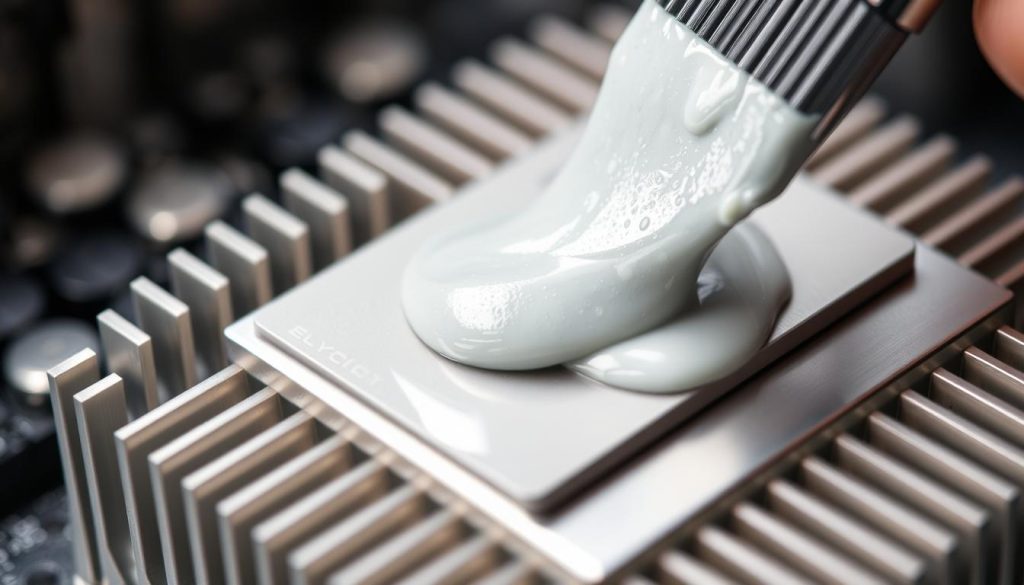
Selecting the right thermal paste can be a bit tricky. Look for products with high thermal conductivity and the right consistency for your needs. Some pastes are thick and sticky, while others are more liquid.
Popular brands like Arctic Silver and Noctua offer high-quality options. Liquid metal pastes are great for high-performance systems but can be messy. Ceramic-based pastes are safer and easier to apply.
- Consider thermal conductivity and viscosity.
- Choose between standard, ceramic, and liquid metal pastes.
- Read reviews and go with trusted brands.
Conclusion
Properly maintaining your computer’s cooling system is essential for ensuring its longevity and performance. Thermal paste plays a vital role in this process by facilitating efficient heat transfer between your CPU and heatsink. Over time, this paste can degrade, leading to increased temperatures and potential damage to your hardware.
Regular checks and timely reapplication of thermal paste are crucial. As outlined in our step-by-step guide, cleaning the CPU and heatsink surfaces thoroughly before applying a fresh layer ensures optimal performance. Monitoring your system’s temperatures and maintaining a clean environment can prevent overheating issues.
By following these simple maintenance practices, you can protect your CPU and ensure your computer runs smoothly for years to come. Remember, a well-maintained cooling system is key to peak performance and hardware longevity.


