
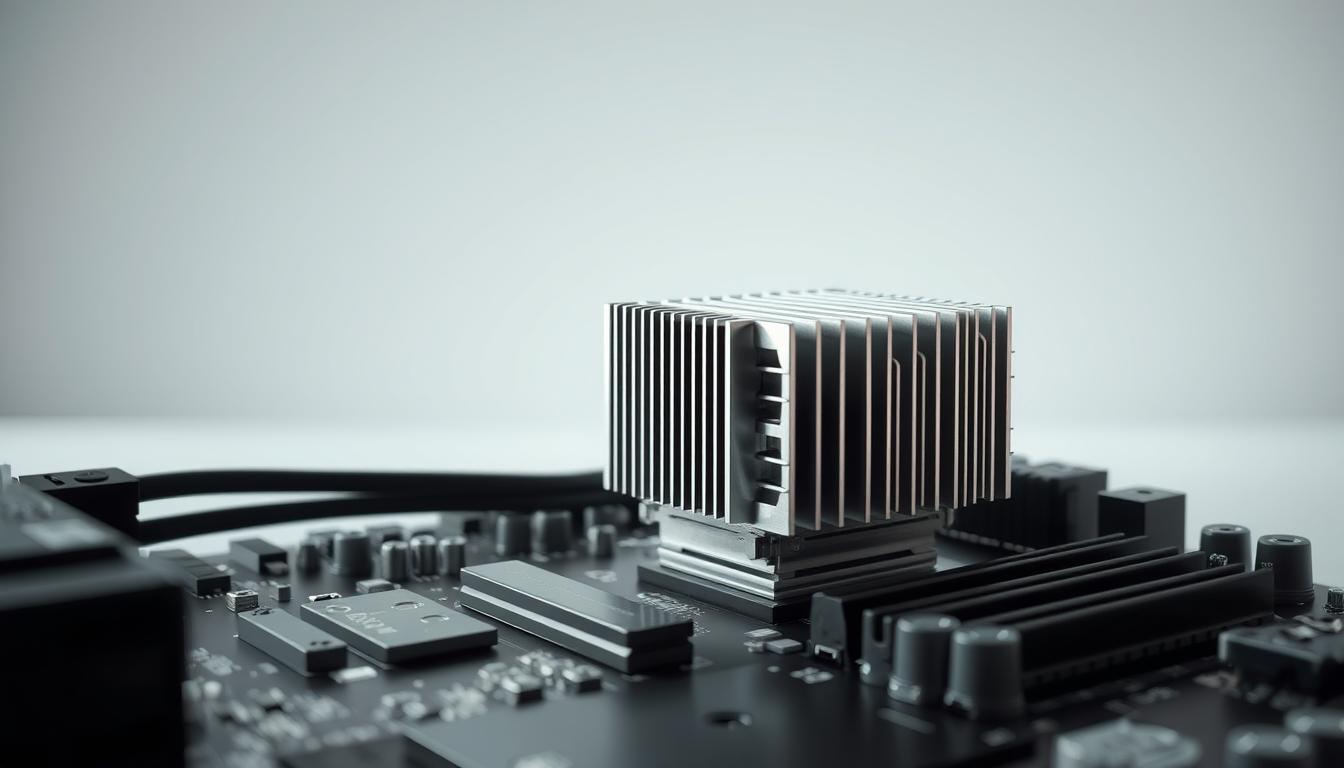
When it comes to cooling your computer, the heat sink plays a crucial role. But have you ever wondered if where you place it really makes a difference? The answer is yes. Proper heat sink placement can significantly impact your system’s cooling efficiency and component longevity.
Experts emphasize that while airflow design is vital, the orientation of your heat sink is equally important. Even slight misalignment can affect how effectively heat is extracted. This guide is here to help enthusiasts and professionals alike understand the best practices for heat sink installation.
By ensuring your heat sink is correctly aligned, you can maximize cooling performance and protect your components from overheating. Stay tuned as we dive into the details of optimal heat sink placement and airflow management.
Understanding Heat Sinks and Airflow Dynamics
Heat sinks are crucial components in computer cooling systems, designed to absorb and dissipate heat away from critical parts like the CPU. Their effectiveness relies on proper airflow and strategic placement within the computer case.
How Heat Sinks Work to Cool Components
Heat sinks function by conducting heat away from the source through metal fins. These fins increase the surface area, allowing more efficient heat dissipation into the surrounding air. The process begins with conduction, where heat moves from the component to the heat sink. From there, convection takes over, with the fins helping to transfer heat to the airflow generated by fans.
The Role of Airflow in Thermal Management
Fans play a vital role in creating directed airflow that enhances cooling efficiency. There’s a significant difference between general airflow and targeted air flow. While general airflow circulates air throughout the case, targeted airflow focuses directly on critical components like the CPU, ensuring optimal cooling. For instance, a setup with fans blowing air through the heat sink can lower CPU temperatures by up to 10 degrees compared to setups without directed airflow.
Proper airflow management not only prevents overheating but also extends the lifespan of your computer’s components. By understanding how heat sinks and airflow work together, you can optimize your system’s cooling performance and maintain ideal operating temperatures.
Does the Position of a Heat Sink Matter
The placement of your heat sink can significantly influence your computer’s cooling performance. While many focus on the heat sink itself, its location within the case plays a critical role in maintaining optimal temperatures.
Impact on Cooling Efficiency and Temperature
Research shows that even slight misalignments can cause variations in temperature across your processor. When a heat sink is not properly positioned, it can disrupt airflow patterns, leading to hotspots and reduced cooling efficiency.
“Proper heat sink placement is about more than just function—it’s about system longevity.”
Testing outcomes reveal that optimal placement can lower temperatures by up to 10 degrees, enhancing both performance and longevity. Conversely, poor placement can lead to thermal throttling, diminishing your system’s stability and performance.
Case design also plays a crucial role. A well-designed case with strategic airflow can maximize the heat sink’s effectiveness, while a poorly designed one might hinder it, regardless of the heat sink’s quality.
Optimizing Heat Sink Placement for Maximum Cooling Efficiency
When optimizing your computer’s cooling system, the placement and airflow strategy of your heat sink are key. Proper alignment and airflow can make a significant difference in cooling efficiency.
Blowing Versus Pulling Air: What the Tests Show
Research indicates that blowing air into the heat sink versus pulling it out can affect performance. Blowing air directly into the heat sink can improve cooling by up to 15% due to increased airflow over the fins. However, this method may create more turbulence, potentially leading to dust buildup over time.
Pulling air out, on the other hand, creates a vacuum effect, which can be more efficient in certain designs. Tests show that pulling air reduces turbulence but may lower cooling efficiency by around 5-8%. The choice depends on your case design and fan configuration.
Fan, Case, and Motherboard Considerations
Fans play a crucial role in airflow. Matching fan direction with case design is essential for optimal cooling. For instance, front-mounted fans blowing air into the case work best with heat sinks designed to pull air through.
Motherboard configuration also impacts cooling. Components like the CPU and GPU should be positioned to allow unobstructed airflow. A well-designed case with strategic airflow can enhance cooling efficiency, while a poorly designed one may hinder it, regardless of the heat sink’s quality.
In conclusion, small differences in heat sink placement and airflow strategy can lead to significant improvements in cooling performance. By carefully considering fan direction, case design, and motherboard layout, you can create an efficient cooling system for your computer.
Step-by-Step Guide to Adjusting Your Heat Sink Orientation
Adjusting your heat sink orientation can make a big difference in your computer’s cooling efficiency. Follow these simple steps to ensure your system runs smoothly and maintains optimal temperatures.
Assessing Your Current Airflow Setup
Start by evaluating your current cooling configuration. Take time to inspect how air flows through your case. Look for any obstructions or inefficiencies in the airflow path. This is a good way to identify areas that need improvement.
Use a flashlight to check for dust buildup on your heat sink and fans. Clean out any debris to ensure proper airflow. This simple step can significantly improve your system’s cooling performance.
Implementing Positioning and Fan Direction Changes
Next, experiment with different heat sink orientations. You can try blowing air directly into the heat sink or pulling it out. Test both setups to see which one works best for your system. Remember, the goal is to find the most effective way to use your fans.
When adjusting the heat sink, be gentle to avoid damaging the components. Apply even pressure, and make sure it’s securely fastened. This will ensure proper contact and optimal heat transfer.
Testing and Verifying Thermal Performance
After making changes, monitor your system’s temperatures during normal use and under stress. Use software tools to track temperature changes and identify any hotspots. This is a crucial step in validating your new setup.
Take the time to run thorough tests. Compare the results before and after your adjustments to see if your changes have made a positive impact. If temperatures are lower, you’ve found a better way to improve your system’s power and efficiency.
By following these steps, you can optimize your heat sink orientation and fan configuration for better cooling performance. Remember, small adjustments can have a significant impact on your computer’s overall efficiency and longevity.
Understanding Airflow Dynamics in Computer Cases
When it comes to building or upgrading a computer, understanding airflow dynamics is essential for maintaining optimal temperatures and system performance. Airflow plays a crucial role in cooling, and its proper management can significantly impact your system’s stability and longevity.
Front-to-Back Airflow and Its Benefits
One of the most common and effective airflow patterns in modern computer cases is the front-to-back configuration. This setup involves mounting intake fans at the front of the case and exhaust fans at the rear. By directing cool air through the front and expelling warm air out the back, this configuration ensures a smooth flow of air over critical components like the CPU and GPU, helping to keep them at safe temperatures.
Front-to-back airflow also helps reduce dust buildup inside the case. Since the intake fans bring in fresh air and the exhaust fans remove warm air, the system maintains a cleaner environment, which is beneficial for long-term component health.
Considerations for Top and Rear Exhaust Fans
While front-to-back airflow is popular, some cases benefit from additional exhaust fans mounted on the top or rear. These fans can enhance airflow by creating a more efficient path for hot air to escape. However, it’s important to consider the overall case design and the direction of airflow when adding these fans.
For example, if you have a case with a large glass side panel, adding a top exhaust fan can help pull hot air away from your components, improving cooling efficiency. Similarly, rear exhaust fans can work in tandem with front intake fans to create a balanced airflow system.
Design and Space Considerations
The design of your computer case also plays a significant role in airflow dynamics. A well-designed case with strategic fan placements and adequate space around components ensures that air can flow freely over surfaces, dissipating heat more effectively.
It’s essential to have enough space inside the case to allow air to circulate around components. Crowded or obstructed spaces can lead to poor airflow, increasing temperatures and reducing system performance. By ensuring there’s ample space, you can maximize the efficiency of your cooling system.
Direction and System Stability
The direction of airflow is another critical factor in system stability. Properly directing airflow ensures that cool air reaches all components, while warm air is efficiently expelled. This balanced approach helps maintain stable temperatures, which are vital for optimal system performance.
Each system may require a specific type of airflow setup depending on its components and usage. For instance, a high-performance gaming PC might benefit from a combination of front intake and top exhaust fans, while a more basic system might rely on a simple front-to-back configuration.
In conclusion, understanding airflow dynamics is key to maintaining a cool and efficient computer system. By carefully considering fan placement, case design, and airflow direction, you can create an optimal cooling environment that supports long-term component health and system stability.
Troubleshooting Common Heat Sink Positioning Issues
Ensuring your heat sink works efficiently is crucial for your computer’s performance. However, several common issues can arise, affecting its effectiveness. Let’s explore how to identify and resolve these problems.
Dealing with Dust and Improper Thermal Compound Application
Dust accumulation on the heat sink’s fins can significantly reduce its efficiency. Use compressed air to clean out dust regularly, ensuring proper airflow. Additionally, applying the wrong amount of thermal compound can create air holes, reducing contact quality. Always apply a thin, even layer for optimal heat transfer.
Identifying and Correcting Airflow Turbulence Problems
Airflow turbulence can disrupt heat dissipation. To address this, ensure fans are directing hot air away from the heat sink. Use cable ties to secure cables, preventing them from blocking airflow pathways. This simple adjustment can enhance cooling efficiency and system stability.
| Issue | Cause | Solution |
|---|---|---|
| Dust Buildup | Poor maintenance leading to reduced airflow | Regular cleaning with compressed air |
| Insufficient Thermal Compound | Incorrect application causing air gaps | Apply a thin, even layer |
| Airflow Turbulence | Improper fan direction or cable obstruction | Adjust fan direction and secure cables |
Regular maintenance is key to ensuring your heat sink performs optimally. A quick look at your setup can reveal potential future issues, allowing you to address them before they escalate. By resolving these common problems, you can ensure your heat sink works efficiently, protecting your computer’s components and enhancing its longevity.
Conclusion
When it comes to cooling your computer, understanding how heat sinks work and how they’re positioned is essential. This guide has explored how the placement of your heat sink can significantly influence cooling performance and system longevity.
A well-designed cooling system with proper airflow can prevent thermal issues and ensure optimal performance. Investing in a good cooling design may cost money upfront, but it can save you from major problems down the line. Even a small misalignment in your heat sink can pipe significant issues into your system’s performance over time.
Convection plays a key role in heat dissipation, and ensuring proper airflow is crucial. By following the practical tips and step-by-step guide outlined here, you can avoid common pitfalls and create an efficient cooling setup. Remember, every thing in your cooling system matters, from fan direction to case design.
In conclusion, addressing these factors can help you build a system that runs smoothly and maintains optimal temperatures. Take the time to review your setup and ensure every aspect of your cooling process is working together seamlessly.


