
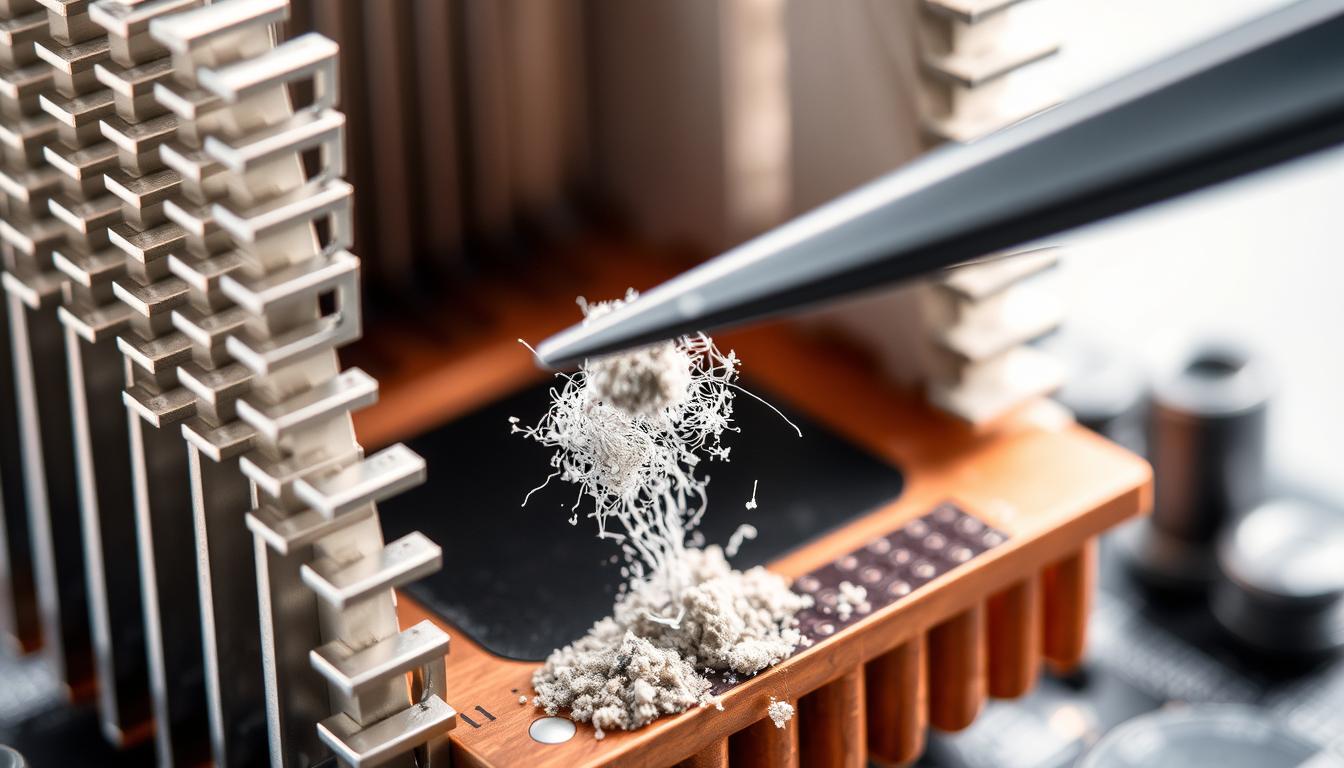
When it comes to maintaining your computer’s performance, few components are as crucial as the CPU heatsink. This essential part plays a vital role in keeping your processor at a safe temperature, ensuring optimal functionality and longevity. But have you ever wondered if cleaning your CPU heatsink is necessary? The answer is yes, and it’s more important than you might think.
Over time, dust and debris can accumulate on the heatsink, reducing its ability to dissipate heat effectively. This can lead to higher operating temperatures, which might cause your CPU to throttle its performance to prevent damage. Proper maintenance, including cleaning the heatsink and ensuring fresh thermal paste is applied, can prevent these issues and keep your system running smoothly.
Even if your system has been running without issues for a year or more, it’s wise to check and clean the heatsink. Neglecting this simple maintenance task can lead to thermal throttling and inefficient performance over time. In this guide, we’ll walk you through the importance of CPU heatsink maintenance and provide a clear routine to keep your system in top shape.
Regular cleaning of your CPU heatsink is essential for optimal performance and longevity.
Dust buildup can lead to thermal throttling and reduced efficiency.
Proper thermal paste application is crucial for effective heat transfer.
Even a year without maintenance can start to affect your system’s performance.
Assessing Your CPU Heatsink: Does CPU Heat Sink Need to be Cleaned
Assessing your CPU heatsink is crucial for maintaining your computer’s performance. But before we dive into whether it needs cleaning, let’s understand its role and the risks of neglecting maintenance.
Understanding the Role of a Heatsink
A heatsink is engineered to absorb heat from the CPU and dissipate it into the surrounding air. This process is essential for preventing overheating, which can damage your processor. Thermal paste plays a vital role here by filling microscopic gaps between the CPU and heatsink, ensuring efficient heat transfer. For instance, a proper physical connection and paste application can prevent overheating and improve performance, as highlighted by community experiences.
Risks of Neglecting Heatsink Maintenance
Overlooking heatsink maintenance can lead to dust accumulation, reducing its efficiency and causing higher temperatures. This can result in CPU throttling, diminishing performance. Even a year without cleaning can impact your CPU’s ability to work efficiently. Addressing these concerns is key to understanding why regular maintenance is necessary. By ensuring the heatsink is correctly installed and maintained, you can create a better cooling system, enhancing your computer’s longevity.
Effective Cleaning Methods and Practical Maintenance Tips
Keeping your computer running smoothly often comes down to simple maintenance tasks. Cleaning your heatsink is one of those essential steps that can make a big difference in your system’s performance. But how do you do it right? Let’s break it down in a way that’s easy to follow and safe for your components.
Step-by-Step Guide to Cleaning Your Heatsink
| Step | Action | Details |
|---|---|---|
| 1 | Prepare Tools | Gather compressed air, a soft-bristle toothbrush, isopropyl alcohol, and a clean cloth. |
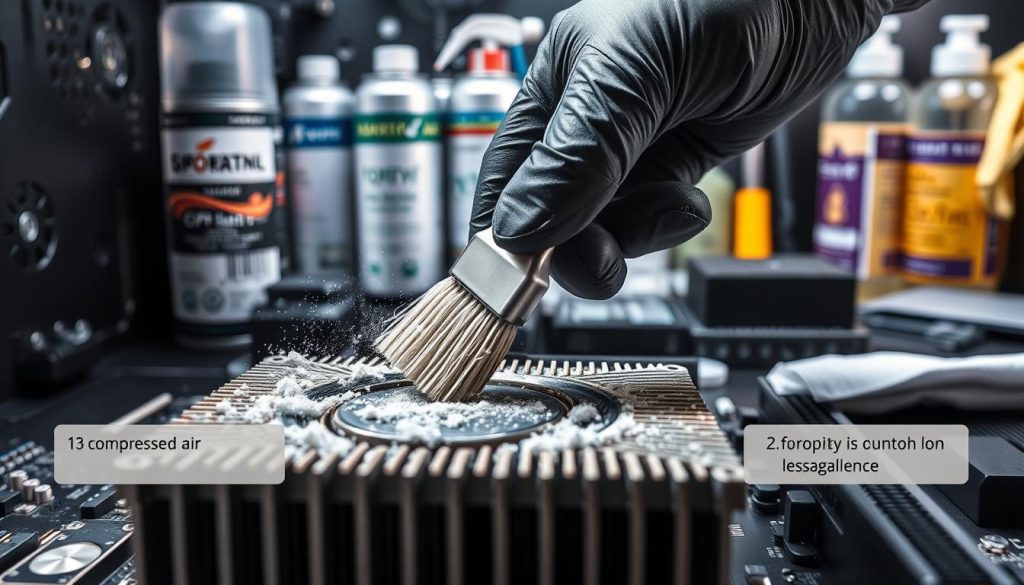
| 2 | Remove Dust | Use compressed air to blow out loose dust from the fins. Hold the can upright to avoid spraying the freezing agent. |
| 3 | Brush Away Debris | Gently scrub between fins with a toothbrush to remove stubborn particles. |
| 4 | Clean Thermal Paste | Dampen a cloth with alcohol and wipe the heatsink base. Repeat until no paste remains. |
| 5 | Inspect and Repeat | Check for any remaining dust or paste. If necessary, repeat the cleaning process. |
By following these steps, you’ll ensure your heatsink operates efficiently, keeping your processor cool and your system running at its best. Regular maintenance like this can prevent performance issues and extend the life of your computer.
Handling Thermal Paste and Ensuring Optimal Heat Transfer
Properly managing thermal paste is a cornerstone of maintaining your computer’s cooling efficiency. This compound plays a vital role in transferring heat from the CPU to the heatsink, and its correct application is essential for optimal performance.
The Importance of Proper Thermal Paste Application
A thin, even layer of thermal paste ensures efficient heat transfer. Too much paste can create air gaps, reducing effectiveness. High-quality options like Arctic Silver are recommended for their superior thermal conductivity.
Tips for Safe Removal and Reapplication
Removing old paste requires care. Use isopropyl alcohol and a soft cloth or Q-tips to avoid scratching the surface. Gently wipe until the area is clean, then let it dry before applying a new layer.
Precautions When Using Cleaning Solutions
Avoid harsh chemicals that might leave residues. Always use 90% or higher isopropyl alcohol to ensure a clean surface. If using water and soap, dry the area thoroughly with a hairdryer to prevent moisture issues.
Neglecting proper thermal paste handling can lead to higher temperatures and reduced CPU performance. Regular maintenance ensures your system runs smoothly and efficiently. By following these guidelines, you can create a consistent maintenance schedule that keeps your computer in top shape.
Conclusion
Maintaining your computer’s cooling system is essential for peak performance. Regularly cleaning your heatsink and managing thermal paste are simple yet crucial steps to ensure your CPU operates efficiently.
By following the step-by-step cleaning guide and using proper tools, you can keep your heatsink in top shape. Remember, even a small amount of care can make a big difference in your system’s performance and longevity.
Don’t overlook the importance of thermal paste. Proper application ensures effective heat transfer, preventing overheating and potential damage. Always use high-quality paste and follow safe removal procedures to avoid any issues.
Stay on top of your maintenance schedule. Regular checks and cleaning can prevent dust buildup and ensure your CPU works at its best every day. With these practical tips, you’ll be confident in keeping your computer running smoothly for years to come.


