
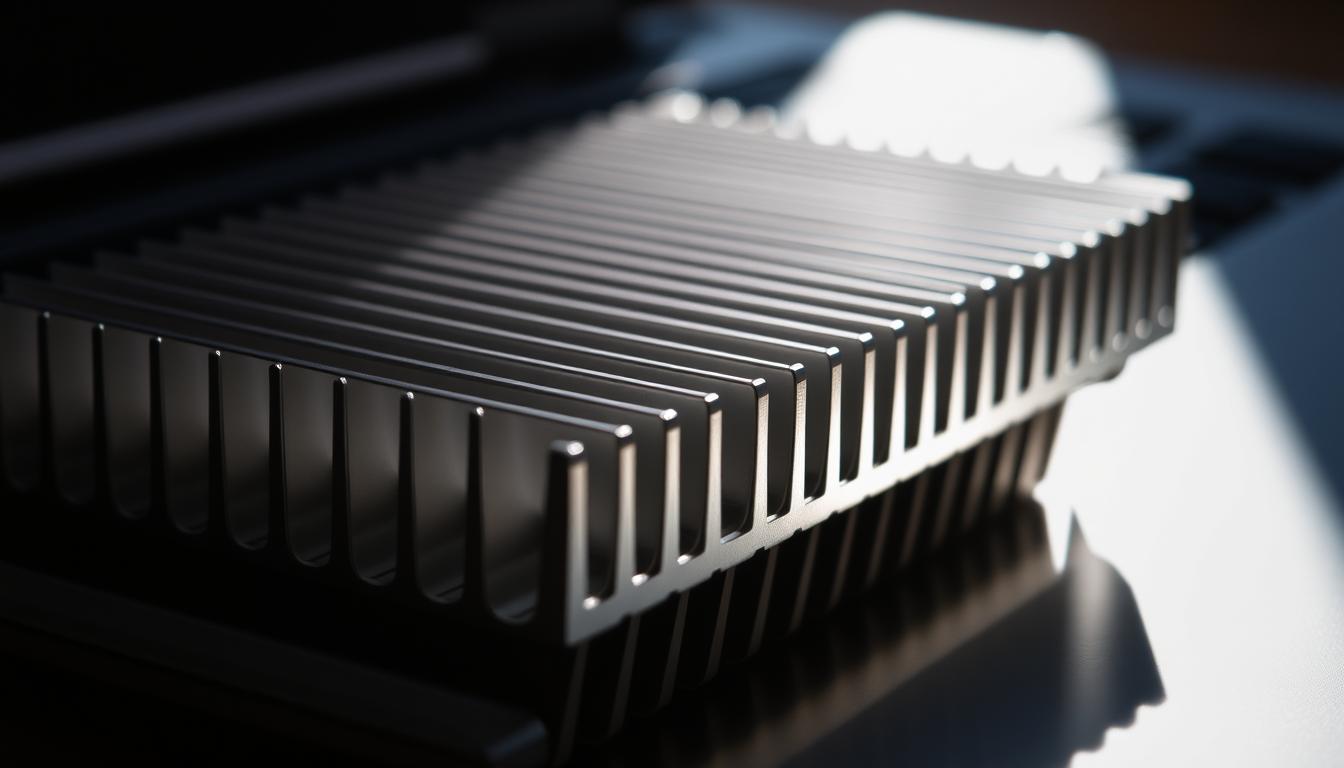
When it comes to keeping your laptop running smoothly, cooling plays a crucial role. But have you ever wondered, do laptops need heat sinks? A heat sink is a simple yet effective cooling solution commonly found in both desktops and laptops. Its primary job is to absorb and dissipate heat away from critical components like the CPU and GPU, ensuring they operate within safe temperature ranges.
Proper cooling is essential for maintaining your laptop’s performance and longevity. Overheating can lead to slower processing speeds, shorter battery life, and even damage to internal components over time. Modern laptops rely on a combination of air circulation and power management to prevent excessive heat buildup. This not only helps maintain performance but also ensures your device runs efficiently for years to come.
In this article, we’ll explore how cooling systems work, the benefits of using heat sinks, and the latest innovations in laptop cooling technology. Whether you’re a casual user or a power user, understanding how your laptop manages heat can help you make informed decisions to keep your device in top shape.
Understanding Laptop Cooling and Component Heat
When your laptop handles demanding tasks, its CPU and SSD can generate a significant amount of heat. This warmth isn’t just inconvenient; it can directly impact performance. For instance, when your CPU overheats, it might slow down to prevent damage, a process known as throttling. Similarly, SSDs can experience slower data transfer speeds when they get too hot.
How Heat Affects Laptop CPUs and SSDs
Heat buildup in your laptop’s CPU can lead to reduced processing power and shorter battery life. The CPU, often referred to as the “brain” of your laptop, is particularly sensitive to temperature fluctuations. When it overheats, it can’t perform at its best, which might cause your laptop to feel sluggish during intensive tasks like video editing or gaming.
SSDs, while generally cooler than traditional hard drives, aren’t immune to heat issues. During heavy data transfer or prolonged use, SSDs can warm up, which might slow down their operation. This is especially true in thin, lightweight laptops where airflow is limited.
Cooling Fundamentals: Natural Conduction and Convection
Cooling in laptops relies on two primary methods: conduction and convection. Conduction occurs when heat is transferred directly from the CPU or SSD to a heat sink, which is typically made of a conductive material like copper or aluminum. These materials are chosen for their excellent ability to absorb and distribute heat.
Convection then takes over, as the heat from the sink is carried away by the movement of air. This natural airflow helps dissipate the heat more efficiently, keeping your laptop’s components cool. The design of the heat sink, often featuring fins and pipes, increases the surface area, enhancing the cooling effect.
“Proper cooling is essential for maintaining your laptop’s performance and longevity. Overheating can lead to slower processing speeds, shorter battery life, and even damage to internal components over time.” – Tech Today
By understanding how heat affects your laptop’s components and the methods used to manage it, you can appreciate the importance of effective cooling. Whether it’s through conduction or convection, keeping your laptop cool ensures it runs smoothly and lasts longer.
Do Laptops Need Heat Sinks?
When considering how laptops manage temperature, one question often arises: do they require heat sinks? The answer lies in understanding how these components contribute to overall performance and longevity. Heat sinks play a crucial role in cooling, especially for critical parts like the CPU and SSD.
Benefits of Integrating a Heat Sink in Laptop Design
Heat sinks offer several advantages. They prevent overheating, which can slow down your laptop’s CPU and reduce SSD efficiency. By dissipating heat effectively, heat sinks ensure your device runs smoothly during demanding tasks like gaming or video editing. This not only boosts performance but also extends the life of your laptop’s internal components.
Determining When a Heat Sink is Essential
In scenarios where your laptop is handling intensive tasks, a heat sink becomes vital. For instance, during prolonged gaming sessions or continuous data transfers, a well-designed heat sink can prevent throttling and maintain optimal performance. Manufacturers often balance cost and design, but for high-performance laptops, a heat sink is indispensable. Some laptops may rely on fans or other cooling solutions, but a heat sink remains a reliable choice for efficient heat management.

In conclusion, while not all laptops may require a heat sink, their integration significantly enhances cooling efficiency. This is particularly true for devices handling heavy workloads, ensuring both performance and durability.
Innovative Cooling Technologies in Modern Laptop Design
Modern laptops are getting thinner and more powerful, which means cooling systems must evolve to keep up. Innovations in cooling technology are crucial for maintaining performance and preventing overheating in high-performance devices.
Active Cooling vs. Passive Cooling Solutions
Active cooling methods rely on fans and liquid cooling systems to manage heat. These systems are effective for high-performance tasks, as they increase airflow and maintain optimal temperatures under heavy loads. However, they can generate noise and add complexity to the laptop’s design.
Passive cooling, on the other hand, uses heat sinks made from conductive materials like copper or aluminum. These materials absorb heat and dissipate it through natural convection. Advanced designs often include fins and pipes to maximize surface area, enhancing heat dissipation without the need for fans. This approach is quieter and more reliable, though it may not be as effective for extreme workloads.
Choosing between active and passive cooling depends on the laptop’s design and intended use. While active systems offer superior performance for demanding tasks, passive solutions provide quiet, efficient cooling for everyday use. Balancing these strategies ensures laptops remain powerful, efficient, and user-friendly.
Conclusion
Effective cooling is the backbone of laptop performance and longevity. By understanding how heat sinks and other cooling technologies work, you can ensure your device runs smoothly, especially during demanding tasks like gaming or video editing.
While not every laptop requires an additional heat sink, they prove essential in scenarios involving heavy processing or intensive SSD data transfers. Modern designs often combine active cooling, like fans, with passive solutions, such as advanced heat sinks made from conductive materials like copper or aluminum.
Monitoring your laptop’s temperature and understanding the impact of heat on components like the CPU, chip, and SSD is crucial. This awareness helps prevent throttling and maintains optimal performance. Whether you’re streaming, working, or gaming, strategic cooling solutions ensure your laptop delivers consistent power and reliability.
Evaluate your device’s cooling needs today. A well-designed heat sink and efficient cooling system can make all the difference in keeping your laptop powerful, efficient, and long-lasting.


