
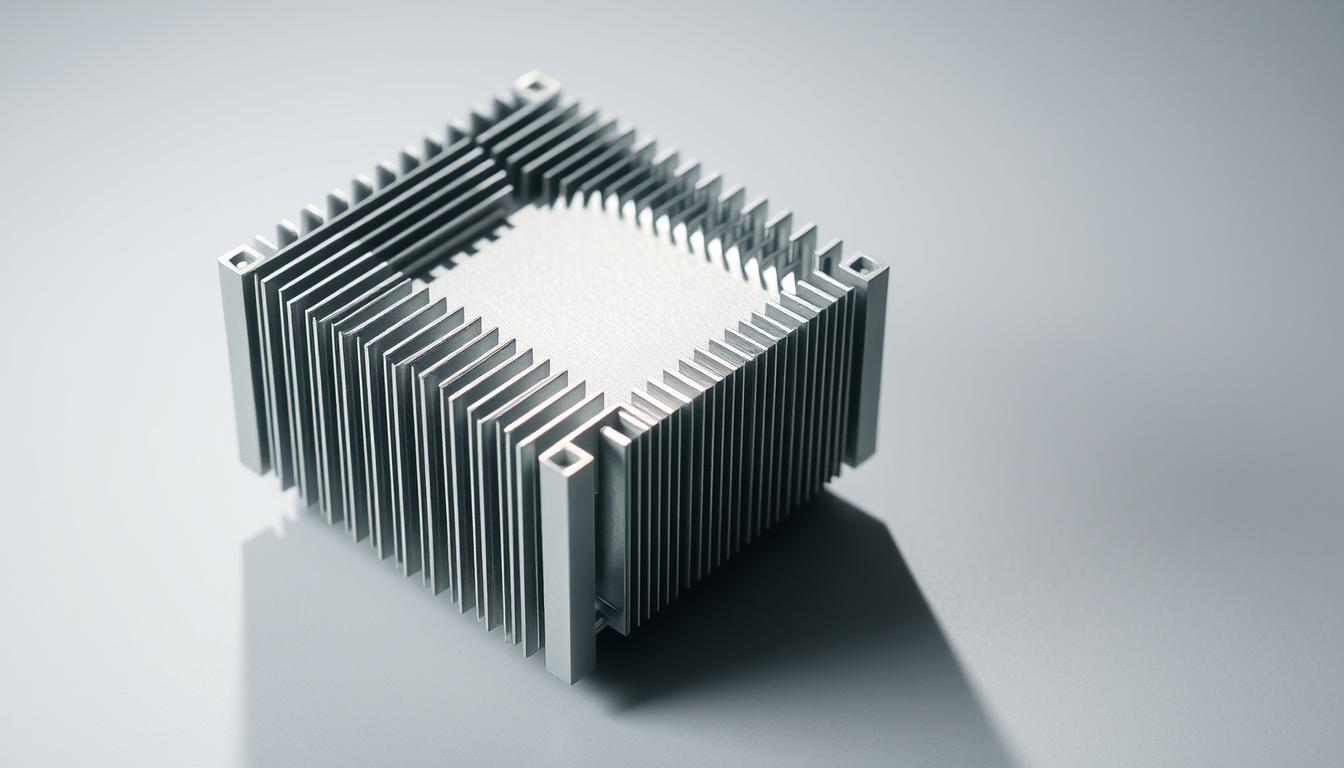
When it comes to cooling computer components, one question often sparks debate: should a heat sink be installed facing up or down? This guide will explore both the physics and practical aspects to help you make an informed decision.
A heat sink is a critical component designed to dissipate heat away from central processing units (CPUs) and other sensitive hardware. Its effectiveness relies heavily on proper installation. Incorrect orientation can lead to reduced cooling performance and even thermal throttling, which can degrade your computer’s performance over time.
Airflow plays a significant role in a heat sink’s efficiency. The fins on a heat sink are designed to maximize surface area, allowing air to flow through and carry heat away. The orientation of these fins can greatly impact how well the system cools your components. Understanding how air moves through your PC case and how the heat sink integrates with this flow is essential for optimal cooling.
Whether you’re building a new system or upgrading your current setup, this guide will walk you through the ins and outs of heat sink installation. We’ll cover the key factors to consider, including case design, fan placement, and the physics behind heat dissipation. By the end of this guide, you’ll be well-equipped to decide the best orientation for your heat sink and ensure your system runs at its best.
Understanding the Fundamentals of Heat Sinks
A heat sink is a device designed to absorb and dissipate heat generated by electronic components, such as CPUs and GPUs. Its primary function is to maintain the operating temperature of these components within safe limits, preventing damage and ensuring optimal performance.
Definition and Importance
Heat sinks work by increasing the surface area exposed to air, allowing heat to escape more efficiently. This is achieved through a series of fins that maximize the surface area in contact with the air. The materials used, typically metals like aluminum or copper, are chosen for their high thermal conductivity, enabling effective heat transfer.
Passive vs. Active Cooling Options
Passive cooling relies solely on natural airflow and the heat sink’s design to dissipate heat. Active cooling, on the other hand, incorporates fans or heat pipes to enhance cooling efficiency. Passive systems are quieter and simpler but may struggle with high-power components, whereas active systems provide better cooling but add noise and complexity.
| Feature | Passive Cooling | Active Cooling |
|---|---|---|
| Components | Heat sink only | Heat sink + fans/heat pipes |
| Pros | Quiet, low power consumption | High efficiency, better for high-power components |
| Cons | Limited cooling capacity | Noisy, higher power consumption |
Understanding these fundamentals is crucial for selecting the right cooling solution for your computer components, ensuring reliability and performance.
How a Heat Sink Works
A heat sink is more than just a piece of metal; it’s a sophisticated cooling solution. To understand its operation, let’s break down the key mechanisms.
Thermal Conductivity Principles
Heat sinks are made from materials like aluminum or copper, known for their high thermal conductivity. This means they efficiently absorb heat from components like CPUs. The process begins when a thermal interface material, such as thermal paste, creates a strong bond between the CPU and the heat sink, ensuring optimal heat transfer.
Heat Dispersion and Airflow Mechanics
The heat sink’s fins play a crucial role. By increasing the surface area, they allow more heat to escape into the air. Fans then push air through these fins, speeding up the cooling process. Even small changes in airflow can make a big difference in how well the heat sink works.
This combination of material science and airflow engineering makes heat sinks essential for keeping computers running smoothly.
does heat sink up or down: Optimal Orientation Explained
When deciding how to orient your heat sink, it’s essential to consider how airflow moves through your PC case. The direction of your heat sink can significantly impact cooling efficiency, especially when paired with the right fan configuration.
Blowing Versus Sucking: Testing Insights
Research shows that blowing air into the heat sink tends to outperform sucking air out. This is because blowing creates positive pressure, forcing air through the fins more effectively. In tests, this method reduced CPU temperatures by an average of 3-5 degrees compared to the sucking configuration.
Case Airflow and Performance Impact
Airflow from the front, back, and top of your case plays a crucial role. Aligning your heat sink to match this natural flow enhances cooling. For instance, placing a fan on the heat sink to create a push-pull setup can improve airflow by up to 20%.
Case studies highlight how environmental airflow can boost system performance. Proper orientation ensures your components stay cool, even during intense use.
Installation Guidelines for Your CPU Heat Sink
Installing a CPU heat sink is a crucial step in ensuring your computer runs smoothly. Follow these steps to do it right:
Preparing with Thermal Paste
Start by cleaning the CPU surface with isopropyl alcohol to remove any dirt or old thermal paste. Apply a small pea-sized dot of thermal paste to the CPU die (the top surface). This thin layer ensures optimal heat transfer from the CPU to the heat sink.
Securing the Heat Sink and Fan Setup
Gently place the heat sink on the CPU, aligning the mounting holes. Secure it with the provided screws, tightening them evenly. Next, connect the fan to the motherboard, ensuring the airflow direction matches your case’s airflow design. Proper fan installation enhances cooling efficiency.
- Clean the CPU surface thoroughly before applying thermal paste.
- Use a small amount of thermal paste for optimal results.
- Mount the heat sink securely and connect the fan correctly.
Avoid common mistakes like uneven paste application or loose mounting. These steps will help you install your heat sink effectively, ensuring your system stays cool and performs at its best.
Design and Component Considerations
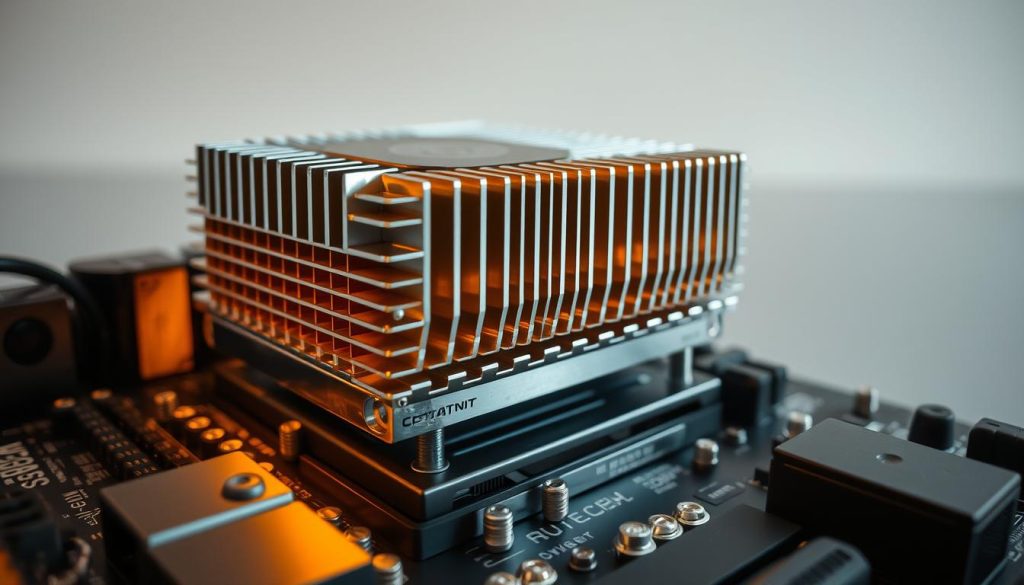
When designing a heat sink, the choice of materials and fin structure is crucial for optimal performance. Heat sinks are typically made from metals like aluminum or copper, known for their high thermal conductivity. Aluminum is lightweight and cost-effective, while copper offers superior heat transfer but is heavier and more expensive.
Materials and Fin Structure
The fin structure of a heat sink increases its surface area, allowing more heat to dissipate into the air. Thicker fins provide better heat transfer but may block airflow, while thinner fins allow for better airflow but have less surface area. The right balance is key for efficient cooling.
“A well-designed fin structure can enhance cooling efficiency by up to 30%,” notes a recent study.
Compatibility and Space Requirements
Ensuring the heat sink fits your system is essential. It must be compatible with the CPU socket and case dimensions. A poorly fitting heat sink can cause installation issues and reduce performance. Consider the overall system design when selecting a heat sink to maintain optimal airflow and cooling.
- Choose materials based on thermal needs and budget.
- Optimize fin structure for airflow and surface area.
- Ensure compatibility with system components.
Airflow and Cooling System Dynamics
Airflow is the backbone of any effective PC cooling system. It determines how well heat is expelled from your components, ensuring your system runs smoothly and efficiently. Proper airflow isn’t just about having fans; it’s about creating a harmonious system where every part works together to maintain optimal temperatures.
Role of Fans in Effective Cooling
Fans are the unsung heroes of your PC’s cooling system. They don’t just move air; they create the pressure needed to push air through the heat sink’s fins, expelling heat out of the case. When paired correctly with your heat sink, fans can significantly enhance cooling efficiency. For instance, a well-placed fan can create a “push-pull” configuration, improving airflow by up to 20%.
Managing Heat Flow Within the Case
Managing heat flow is all about strategy. Proper fan placement creates efficient cooling loops, directing air through the case in a front-to-back or top-to-bottom flow. This strategic airflow reduces hotspots and keeps your system stable. Even minor adjustments, like tilting a fan or repositioning it, can make a big difference in cooling performance.
As one expert notes, “Optimizing airflow can prevent thermal throttling, ensuring your PC performs at its best under heavy workloads.”
Advanced Cooling Strategies and Custom Modifications
For enthusiasts looking to push their system’s cooling performance to the next level, advanced techniques can make a significant difference. These methods go beyond basic heat sink installation and delve into custom solutions.
Enhancing Heat Sink Performance
One effective way to boost your heat sink’s efficiency is by adding extra fins or modifying existing ones. This increases the surface area, allowing more heat to dissipate. Additionally, creating custom airflow ducts can direct air more efficiently through the fins, enhancing cooling performance.
Exploring Liquid Cooling Alternatives
Liquid cooling systems offer superior heat transfer compared to traditional air-based methods. They circulate coolant through tubes to radiators, where fans expel the heat. While more complex and expensive, liquid cooling provides quieter operation and better temperatures, making it ideal for high-performance systems.
- Add extra fins to increase surface area for better heat dissipation.
- Design custom airflow ducts to improve air flow through the heat sink.
- Consider upgrading to a liquid cooling system for enhanced thermal management.
These advanced strategies require careful planning and execution but can significantly improve your system’s thermal performance. Master the basics before exploring these modifications to ensure optimal results.
Conclusion
In conclusion, a well-designed cooling system is vital for maintaining your computer’s performance and longevity. As discussed, the orientation of your heat sink plays a significant role in cooling efficiency. Testing shows that blowing air into the heat sink tends to be more effective, reducing temperatures by 3-5 degrees compared to sucking air out. Properly aligning your heat sink with your case’s airflow ensures optimal cooling, preventing hotspots and thermal throttling.
Remember, a well-designed cooling system isn’t just about the heat sink. It’s about how all components work together. By following the installation guidelines and considering airflow management, you can create a system that runs smoothly under heavy workloads. Whether you’re building a new PC or upgrading your current setup, applying these tips will help you optimize your system’s performance.
Always keep in mind that proper cooling is key to reliable computer performance. Take the time to ensure your heat sink is installed correctly and your airflow is well-managed. Your computer will thank you with years of reliable service.


