
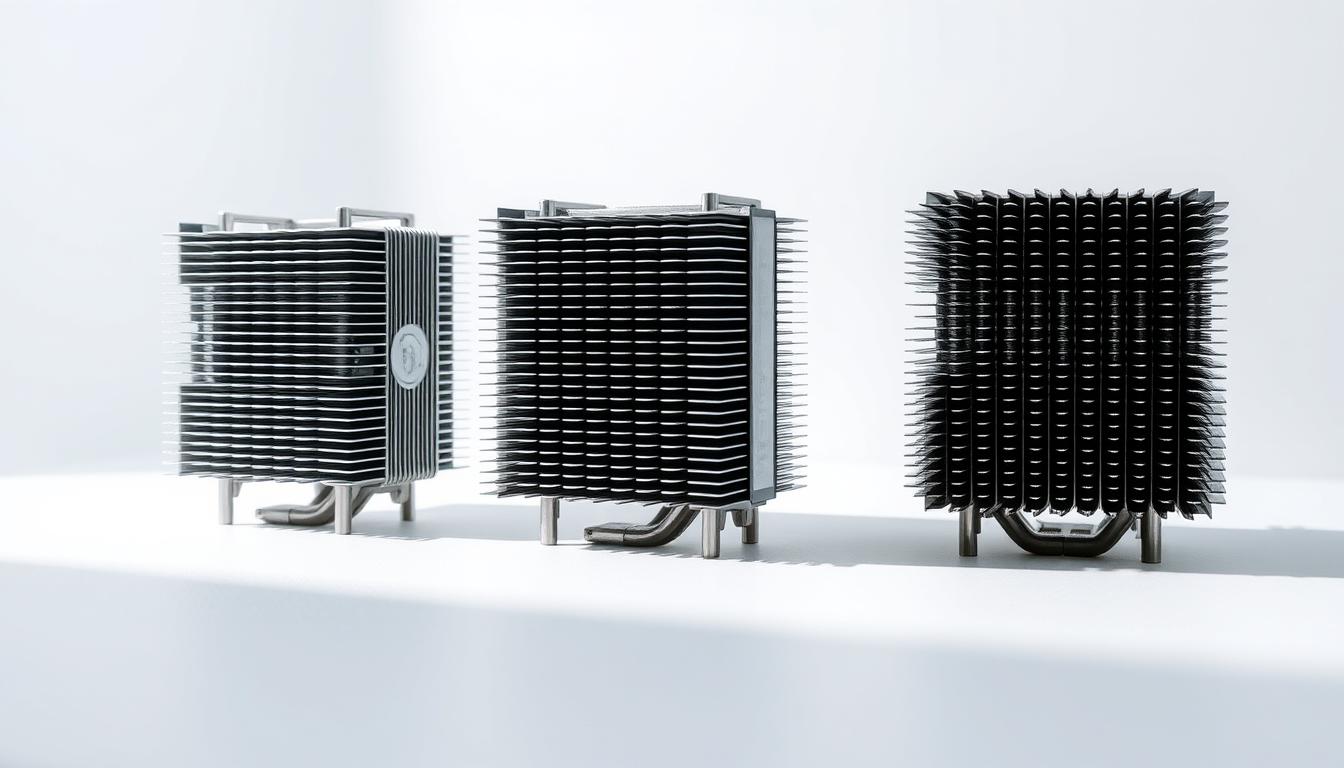
When building or upgrading a computer, one common question arises: does the orientation of your heat sink really make a difference? The answer might surprise you. Proper installation of your CPU cooler is crucial to prevent overheating, which can damage your components before your system even boots up.
Whether you’re using a stock cooler or a high-performance third-party heatsink, airflow and design play significant roles. The direction your heat sink faces can affect how air flows through your case, impacting cooling efficiency. This is especially important for your CPU, as consistent cooling ensures both performance and longevity.
In this guide, we’ll explore practical tips and step-by-step instructions to help you understand the best practices for mounting your heatsink. We’ll also debunk common misconceptions, ensuring you have a clear, friendly guide to keep your system running smoothly and prevent potential damage to your key components.
Introduction to Heat Sink Orientation
When considering computer cooling, understanding heat sink orientation is key. Proper installation ensures efficient heat dissipation, which is crucial for system stability and performance.
Overview of CPU Cooling Principles
CPU cooling relies on transferring heat from the processor to the heat sink. The cooler’s design and orientation affect how efficiently this process occurs. Even pressure and proper thermal paste application are vital for optimal heat transfer.
Importance of Proper Installation
| Cooling Type | Installation Complexity | Maintenance |
|---|---|---|
| Air Coolers | Simple | Low |
| Liquid Coolers | Complex | High |
Air coolers are easier to install compared to liquid cooling systems, which require more time and effort. However, both need correct mounting for optimal performance.
A well-installed cooler supports system longevity and stability, making it essential to follow proper techniques. The next sections will delve into airflow dynamics and detailed mounting steps to help you achieve the best cooling performance.
Understanding Airflow and Cooling Efficiency
Airflow plays a crucial role in maintaining your computer’s cooling efficiency. The way air moves through your system can significantly impact how well your components, especially the CPU, are cooled. Proper airflow ensures that heat is dissipated effectively, preventing overheating and ensuring optimal performance.
How Airflow Affects Heat Dissipation
Airflow direction through the heatsink is essential for efficient cooling. When air flows through the heatsink, it carries heat away from the CPU. The front of the fan pulling air into the heatsink and pushing it out the other end creates a consistent flow that cools the components. This airflow ensures that heat is not trapped, which could lead to increased temperatures and potential damage.
The Role of the Heatsink and Fan
The heatsink and fan work together to move hot air away from the CPU. The fan’s design and orientation determine the airflow efficiency. Pulling air through the front of the heatsink and expelling it out the back creates a balanced cooling system. This setup ensures that the CPU remains cool, even during intense operations.
Matching the fan’s airflow with your case’s intake and exhaust design is key. Proper alignment ensures that cool air enters the system and hot air is expelled efficiently. Even small changes in airflow can impact system performance, so careful planning is necessary. Improper airflow can hinder cooling, reducing the lifespan of your components. Understanding these dynamics helps you set up an effective cooling system for optimal performance and longevity.
Step-by-Step Guide to Installing a CPU Cooler
Installing a CPU cooler might seem intimidating, but with the right approach, it can be a straightforward process. Proper installation ensures optimal cooling and system performance. Let’s walk through the steps to get your CPU cooler set up correctly.
Preparing Your Heatsink and Thermal Paste
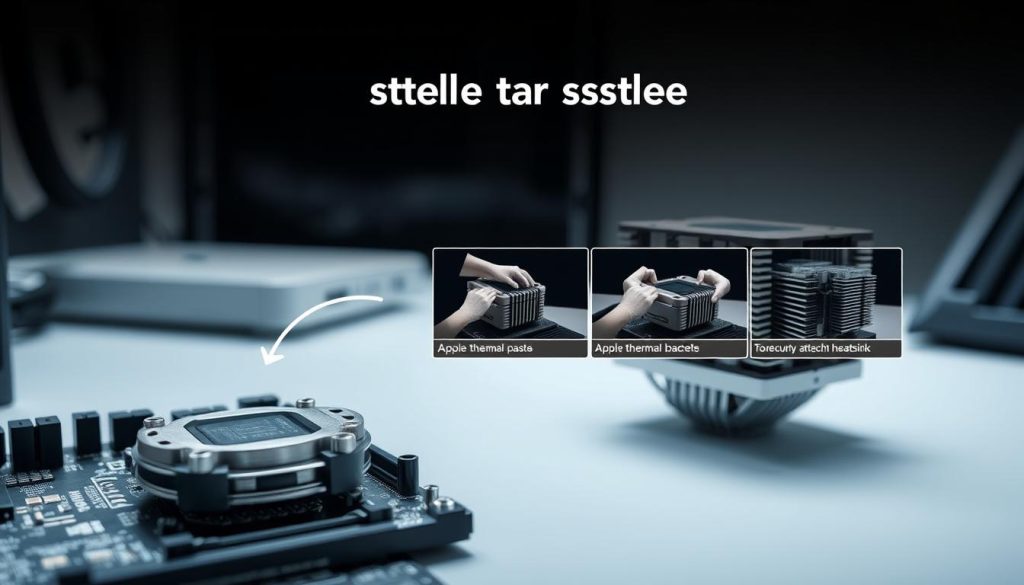
Start by preparing your heatsink. Remove any protective covering from the base and apply a small, even layer of thermal paste. Use a clean, dry cloth to wipe the CPU die (the top surface) to ensure a clean surface for the best contact.
Correct Mounting Techniques for Even Pressure
Align the heatsink with the motherboard’s mounting holes or standoffs. Secure it by tightening the screws in a diagonal pattern. This ensures even pressure distribution across the CPU. Avoid overtightening, as this could damage the CPU or the motherboard.
Tightening the screws diagonally helps spread the thermal paste uniformly. This even distribution improves heat transfer from the CPU to the heatsink. Proper alignment is crucial; even slight misalignment can lead to uneven pressure, affecting cooling efficiency.
does it matter which way my heat sink faces
When it comes to cooling your CPU, the direction your heat sink faces can indeed impact its performance. The fan’s orientation plays a crucial role in how air flows through the heat sink and interacts with your case’s airflow design.
Imagine the fan pulling in cool air from the front of your case and pushing it through the heat sink’s fins. This airflow is essential for efficient cooling. If your case has a top exhaust fan, pointing the CPU fan upwards can help direct hot air out more effectively. Similarly, if your case has side vents, aligning the fan to push air towards those vents can enhance cooling.
Misaligning the fan can lead to inefficient heat transfer. For instance, if the fan is pointing in the opposite direction of your case’s airflow design, it might not effectively move hot air out of the case. This could result in higher CPU temperatures and reduced performance.
Manufacturer recommendations are a great starting point, but every case is unique. Experimenting with different fan orientations while following the manufacturer’s guidelines can help you find the optimal setup for your system. Proper alignment ensures that your CPU stays cool, maintaining both performance and longevity.
Expert Tips on Fan and Case Integration
When it comes to maximizing your computer’s cooling potential, the placement and orientation of your fans play a critical role. Proper integration of your fans with the case design ensures efficient airflow, which is essential for maintaining optimal component temperatures.
Optimizing Fan Placement for Consistent Airflow
Expert forums suggest that aligning your fans to work with your case’s intake and exhaust vents can significantly enhance cooling efficiency. Whether you’re using a fan on top of your heatsink or a side fan, the key is to create a balanced airflow system.
| Fan Placement | Airflow Pattern | Component Focus | Effectiveness |
|---|---|---|---|
| Fan on Top | Pushes hot air upwards | Directs heat away from the CPU | High for top exhaust cases |
| Fan on Side | Channels air across components | Cools multiple components | Effective for side-vented cases |
| Dual Fans | Creates balanced intake and exhaust | Enhances overall system cooling | Optimal for high-performance systems |
Placing a fan on top of your heatsink can direct hot air towards the case’s top exhaust vents, ensuring efficient heat dissipation. Side fans, on the other hand, can channel air across multiple components, improving overall system cooling. For maximum performance, consider using dual fans to create a balanced airflow system that works in harmony with your case design.
When positioning additional side fans, ensure they are aligned with your system’s overall airflow design. This coordination helps prevent hotspots and ensures that all components receive adequate cooling. Measuring the recommended amount of airflow for your specific setup can further optimize cooling results, ensuring your system runs smoothly even during intense operations.
Common Misconceptions and User Insights
When diving into the world of PC cooling, it’s easy to come across conflicting advice about fan orientation. Let’s tackle some common myths and explore real user experiences to set the record straight.
Debunking Myths About Fan Orientation
One popular myth is that reversing a fan’s airflow automatically boosts performance. However, the direction a fan is installed doesn’t always have the dramatic effect many expect. The fan’s efficiency depends more on its design and the case’s airflow.
Another misconception is that a fan might “suck” air inefficiently if mounted in a particular orientation. In reality, fans are designed to maintain consistent airflow regardless of their direction. What matters most is ensuring the fan is aligned with your case’s intake and exhaust vents.
While hot air tends to rise, consistent airflow throughout the case is more critical than relying solely on natural convection. Different fan configurations have been tested, and the results show that a balanced system yields the best cooling performance.
Real-life user insights highlight that good system design often trumps assumptions based on airflow trends. For instance, one user found that optimizing their case’s intake and exhaust vents provided better cooling than simply reversing their CPU fan’s direction.
Conclusion
Properly orienting your CPU cooler and fans is essential for maintaining optimal cooling performance. By ensuring that your setup directs heat away from critical components, you can enhance both system stability and longevity. Following proven installation techniques not only boosts performance but also prevents costly repairs down the line.
Investing a little time now to get your cooler and fans correctly positioned can save you money and hassle in the future. Take a moment to review the tips outlined in this guide to ensure your cooling system is set up for success. Whether you’re building a new system or upgrading your current one, careful planning will pay off for years to come.


